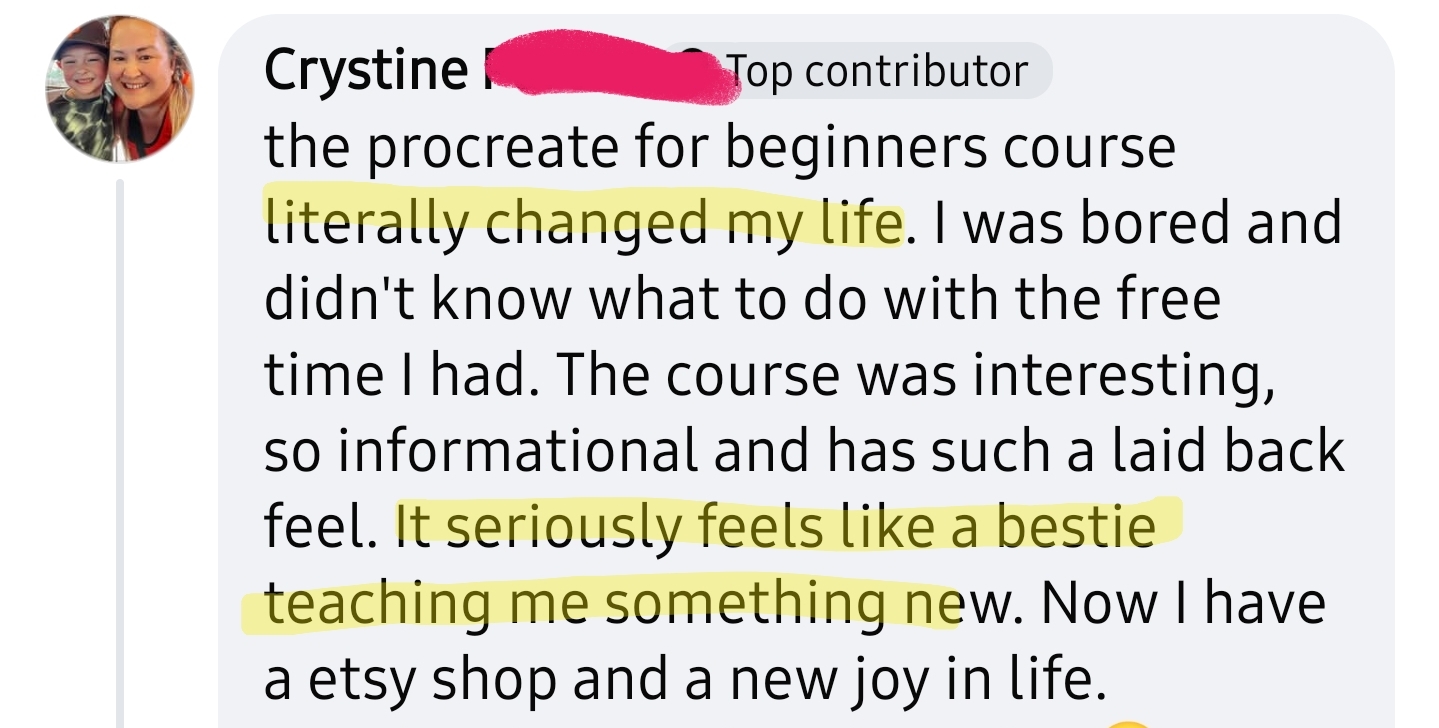
Nothing beats the moment you look at your iPad and think "I drew that!"
⭐⭐⭐⭐⭐
· trusted by 12,589+ students ·
let me show you what's possible with your iPad, even if you don't think you can draw.
I bought my first iPad in 2021 but didn't even touch it for over a year!
I convinced myself I wasn't "artistic enough."
I was 30 years old before I finally realized you DON'T need to draw realistically to be an artist. Cute and simple is just as valuable.
and because I changed that mindset, I haven't stopped drawing since.
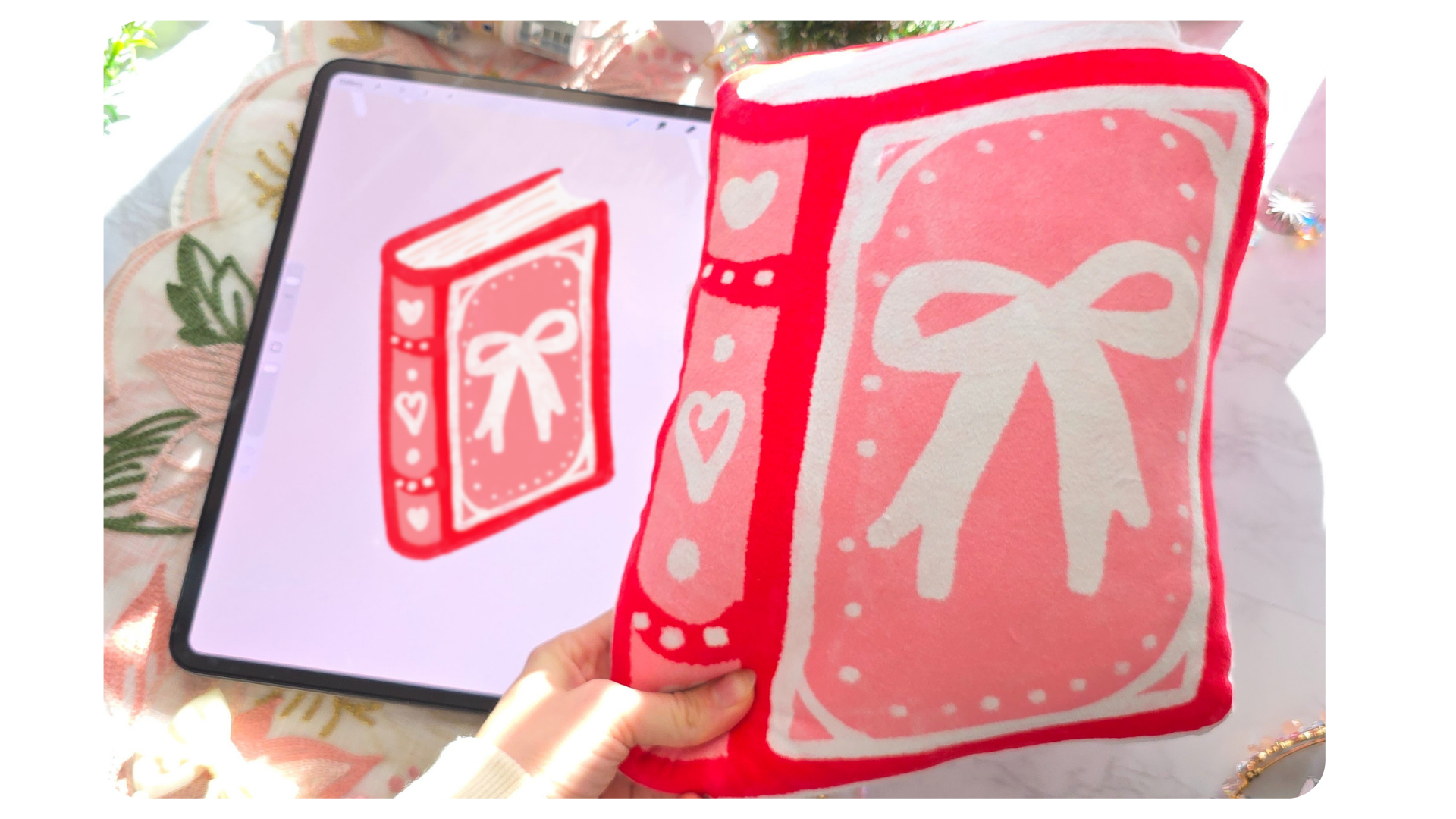
(I now run a top 0.2% Etsy shop selling my extremely simple art!)

Now imagine curling up on the couch after dinner and just... drawing. No overwhelm. No overthinking. Just you, your iPad, and a super cute drawing you can be proud of.
let me show you how:
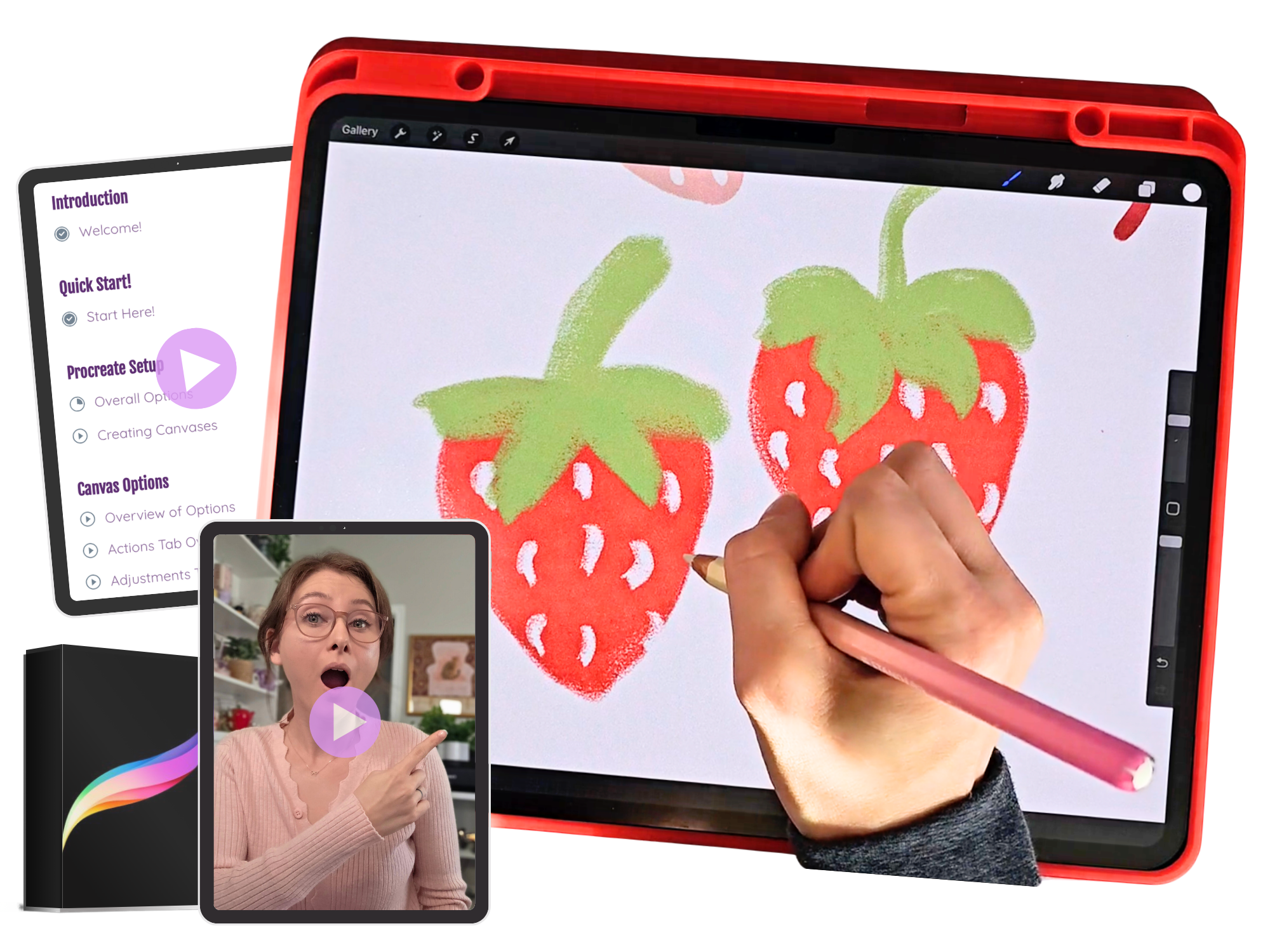
we're gonna create these adorably simple drawings together inside the course with NO pressure to draw perfectly.
The goal is just to get you comfortable with using the Procreate app!

watch this video to see inside:
to already know how to draw (I'm gonna teach you)
an expensive iPad (almost any iPad can run Procreate!)
natural artistic talent (it's a learned skill)
hours of free time (you get lifetime access)
an art degree (I don't have one either)
to figure it out alone (my community of 26k is waiting for you)
to be tech savvy (Procreate is super beginner friendly & I'll show you every important setting)
all you need is an iPad, a drawing pen, and the Procreate app ($12).
that's it. I designed this course for true beginners who don't think they can draw.
you'll start with the basics → I walk you through setting up Procreate and getting comfortable with the tools
then we draw together → you'll follow along with me in real time, and after each short lesson you'll have something you actually drew
then we level up → we get into advanced techniques like drawing from photo references, and using shading & highlights
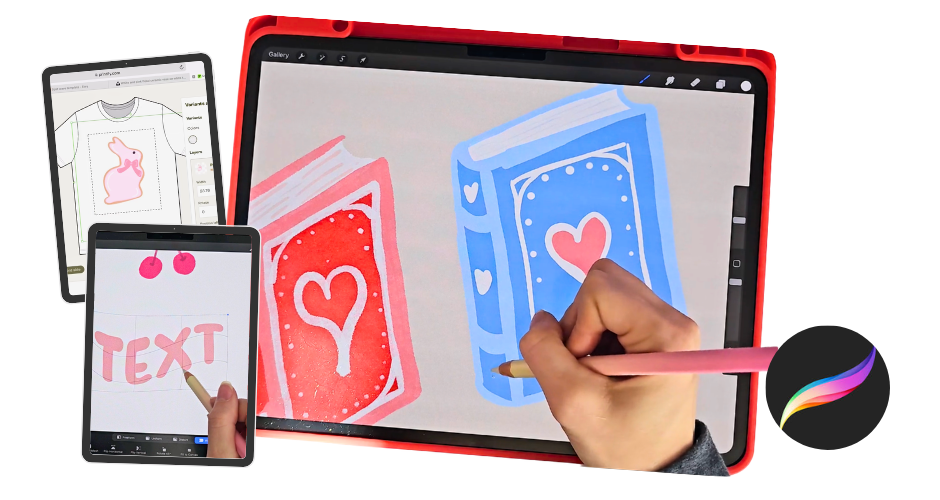
as a bonus → I show you how to put your art onto real products like mugs, stickers, and phone cases
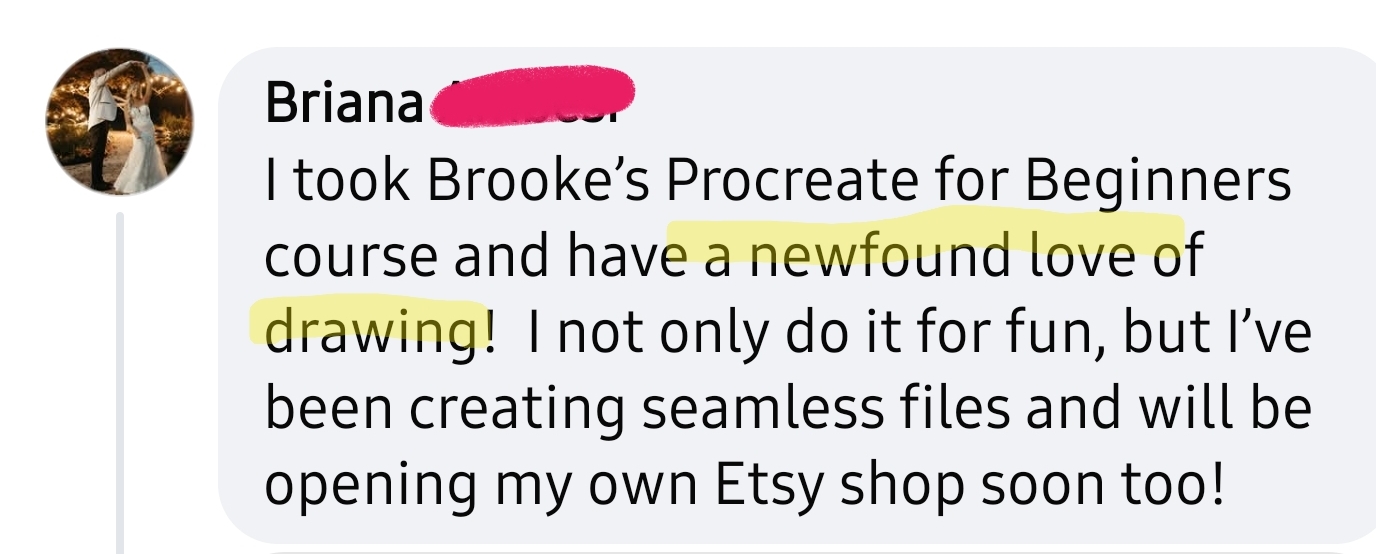
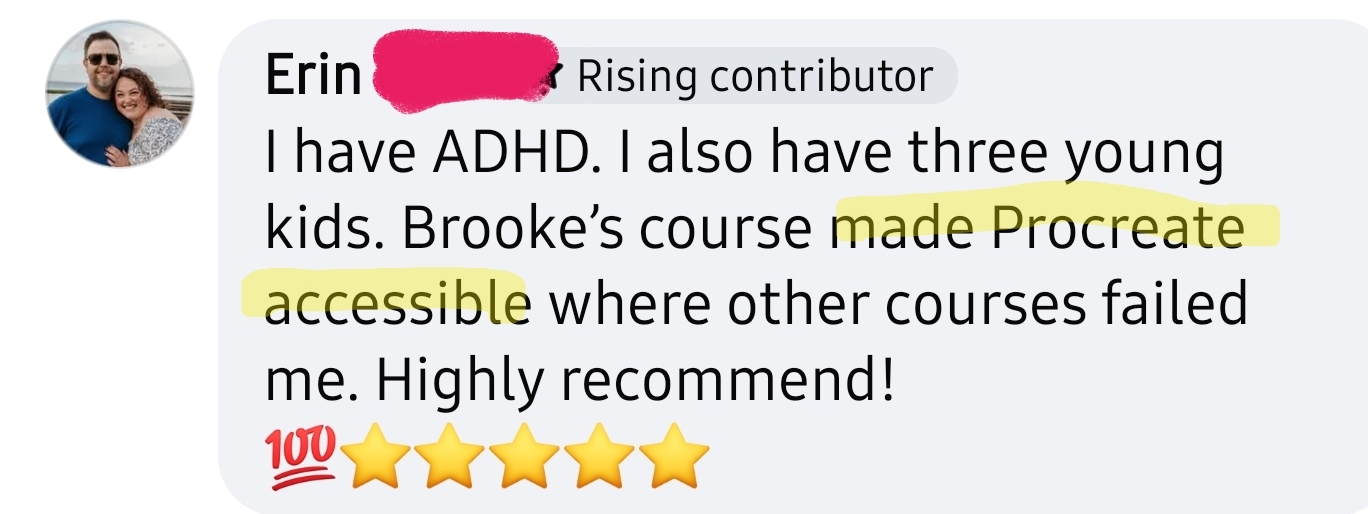
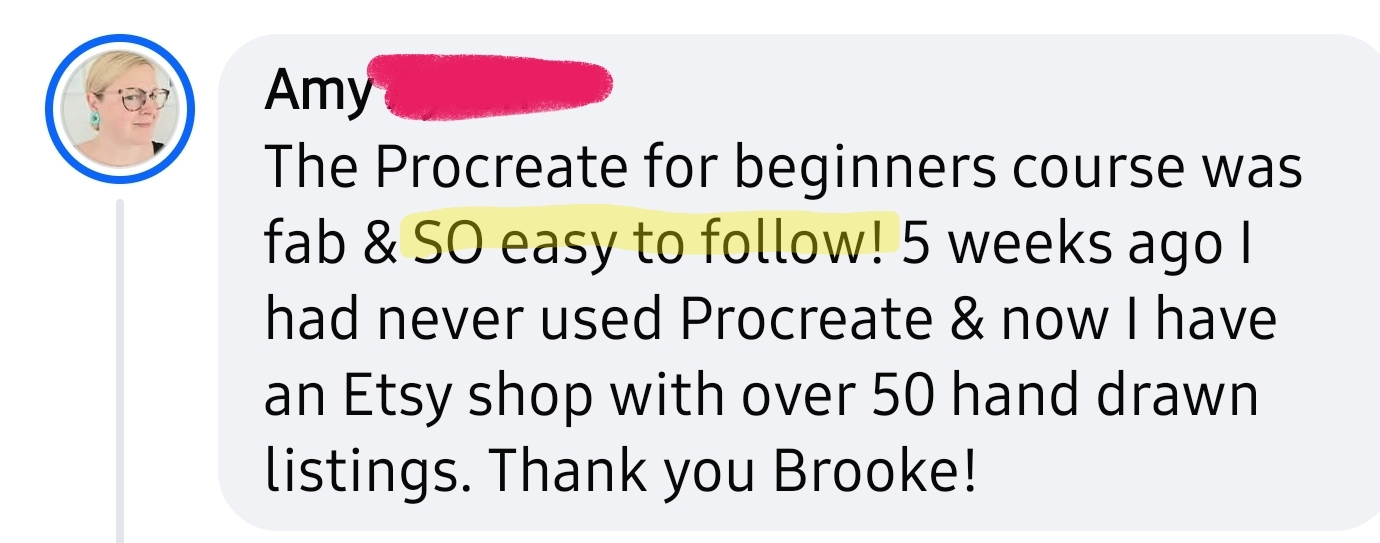
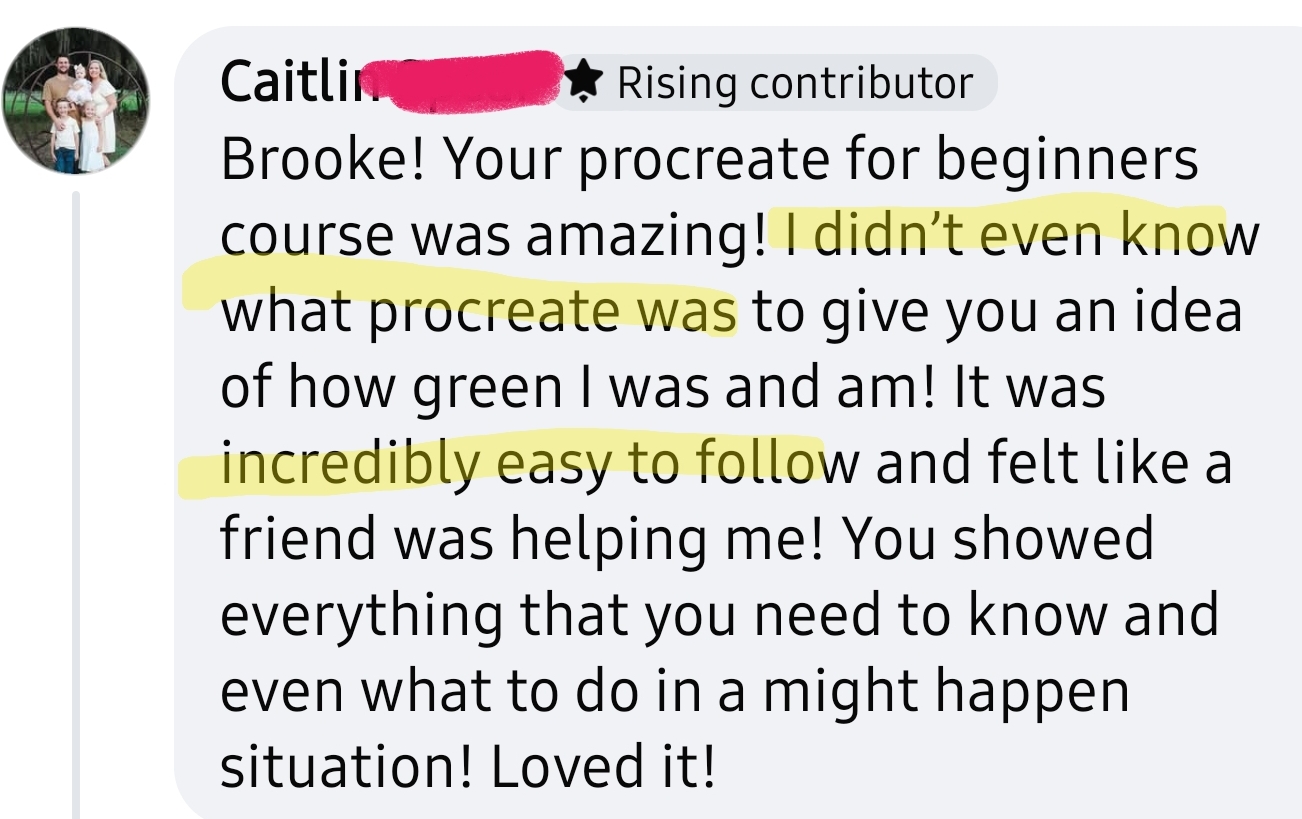
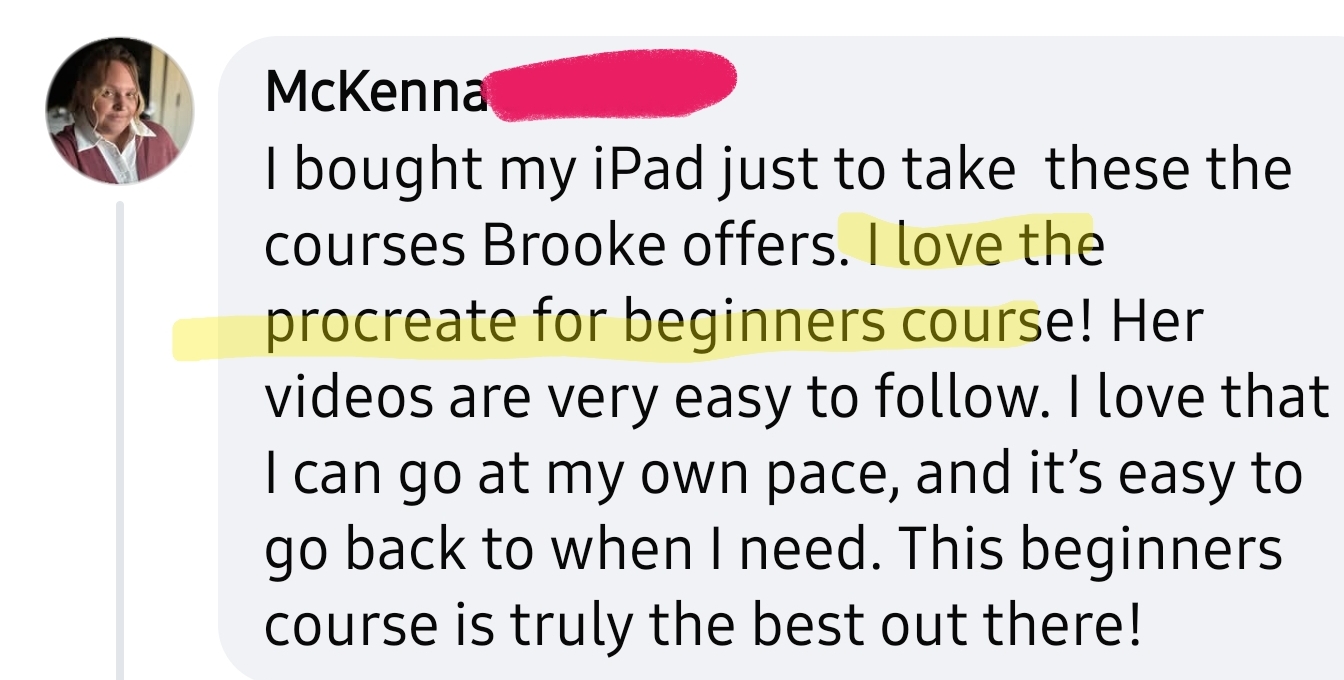

every single one of these students started as a complete beginner, just like you!
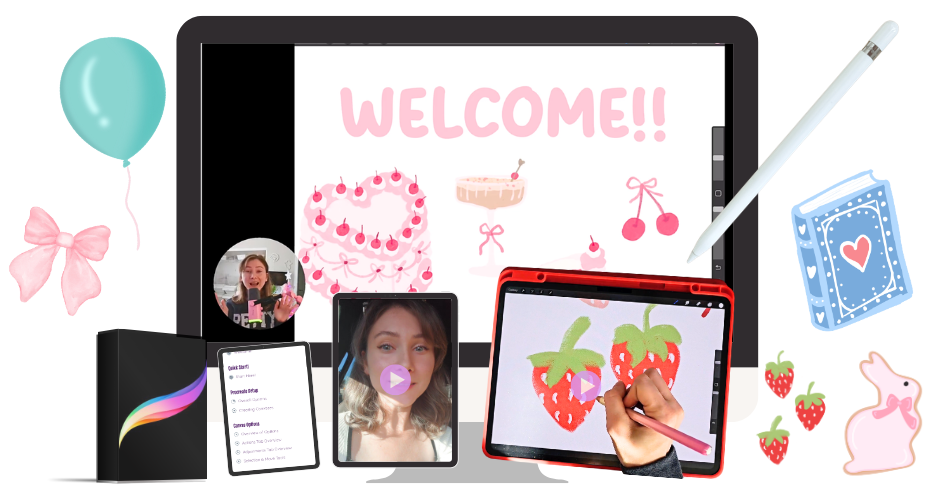
26 step-by-step video tutorials covering everything from setup to advanced techniques
a quick start lesson for when you just want to jump in and start drawing
six full drawing tutorials where we draw together in real time on your iPad
my exact Procreate settings for creating high quality art from the start
special tips & tricks even seasoned Procreate users didn't know
how to find & import fonts for text
lifetime access so you can go at your own pace, forever
bonus access to my Facebook Group of over 26,000 students for support, feedback, and a sense of belonging
bonus lesson 1 ~ the mindset shift that took me from "I'm not an artist" to drawing every day
bonus lesson 2 ~ how to find ethical inspiration so you never run out of ideas for future drawings
bonus lesson 3 ~ how to put your artwork on real life items like mugs, stickers, phone cases etc
your first drawing could be tonight!
Procreate For Beginners: Only $24
lifetime access!
you'll get instant access to all 26 video tutorials, the 3 bonus lessons, and the Facebook group the moment you purchase
12,589+ students are already inside. Come join them!